The best freelance hourly rate calculator is one that asks how many of your hours a client actually pays for and how much tax you set aside, because those two answers move the rate more than anything else. Put the same freelancer through four free calculators, wanting $60,000 a year take-home, and the answer runs from $35.54 to $91.86 an hour. The tools that ask both questions, CalcPlanet's and our own freelance hourly rate calculator, land on $91.86.
None of the calculators is wrong about its arithmetic. They are answering different questions. The rest of this page shows what each one asks, what it gives back, and how to get an honest answer from whichever one you use.
What is the best freelance hourly rate calculator?
The best one asks about billable hours and tax separately. Of the four we read, CalcPlanet's and ours do both, and both give $91.86 an hour for a freelancer wanting $60,000 take-home. Clockify's gives $48.23 if you put tax into expenses, because it treats every working hour as paid. HubSpot's needs an email first.
Choosing between the two that ask both questions comes down to what you want back. CalcPlanet's returns the minimum rate and the gross income needed, and prints its formula. Ours asks what you charge now and returns a verdict: how far short you are per hour, what that costs you a year, and which single change closes the gap fastest.
Rather sell a monthly price than hours? The LinkedIn Ghostwriting Service walkthrough is a business priced as a monthly retainer, start to first clients.
What does each calculator ask, and what does it return?
Two to six questions, and the answers differ more than the tools look. Clockify asks 4 things, CalcPlanet 5, ours 2 up front with 5 more you can open. HubSpot's page describes inputs about "overhead expenses, desired lifestyle, and preferred annual salary" but shows the calculator only after you subscribe.
| Calculator | Asks | Tax | Billable hours | Returns | Signup |
|---|---|---|---|---|---|
| Clockify | Monthly expenses, desired monthly salary, holidays, personal and sick days | Inside "monthly expenses" | Not asked: all non-holiday hours count | Minimum hourly rate, target annual income, annual work hours | None to use it |
| CalcPlanet | Take-home income, tax rate, annual expenses, vacation weeks, billable hours per week | Grossed up: Income ÷ (1 − Tax) | Asked per week | Minimum hourly rate, gross income needed, working weeks | "Free & No Sign-up" |
| HubSpot | Overhead, lifestyle, preferred salary (as described) | Could not see | Could not see | Could not see | Newsletter email first |
| IdeasRepay Rate Floor | What you charge now, take-home wanted; then weeks, hours, % billable, monthly costs, tax | Grossed up on profit | Asked as a % of hours worked | Verdict, gap per hour and per year, the change that closes it | None |
Read from each calculator's own page on 14 October 2026: clockify.me/hourly-rate-calculator, calcplanet.com/business/freelance-hourly-rate-calculator, offers.hubspot.com/freelance-hourly-rate-calculator, and our own tool. We did not subscribe to HubSpot's newsletter, so its inputs and results are as its page describes them, not as tested.
Clockify's tool is the simplest to fill in, and its page explains its own working well: in its example, $73,680 of target income over 1,864 hours gives "$40". The catch is what the 1,864 hours are. It is 2,080 weekday hours minus 27 days off, with no question about how many of those hours a client pays for.
Why do rate calculators give such different answers?
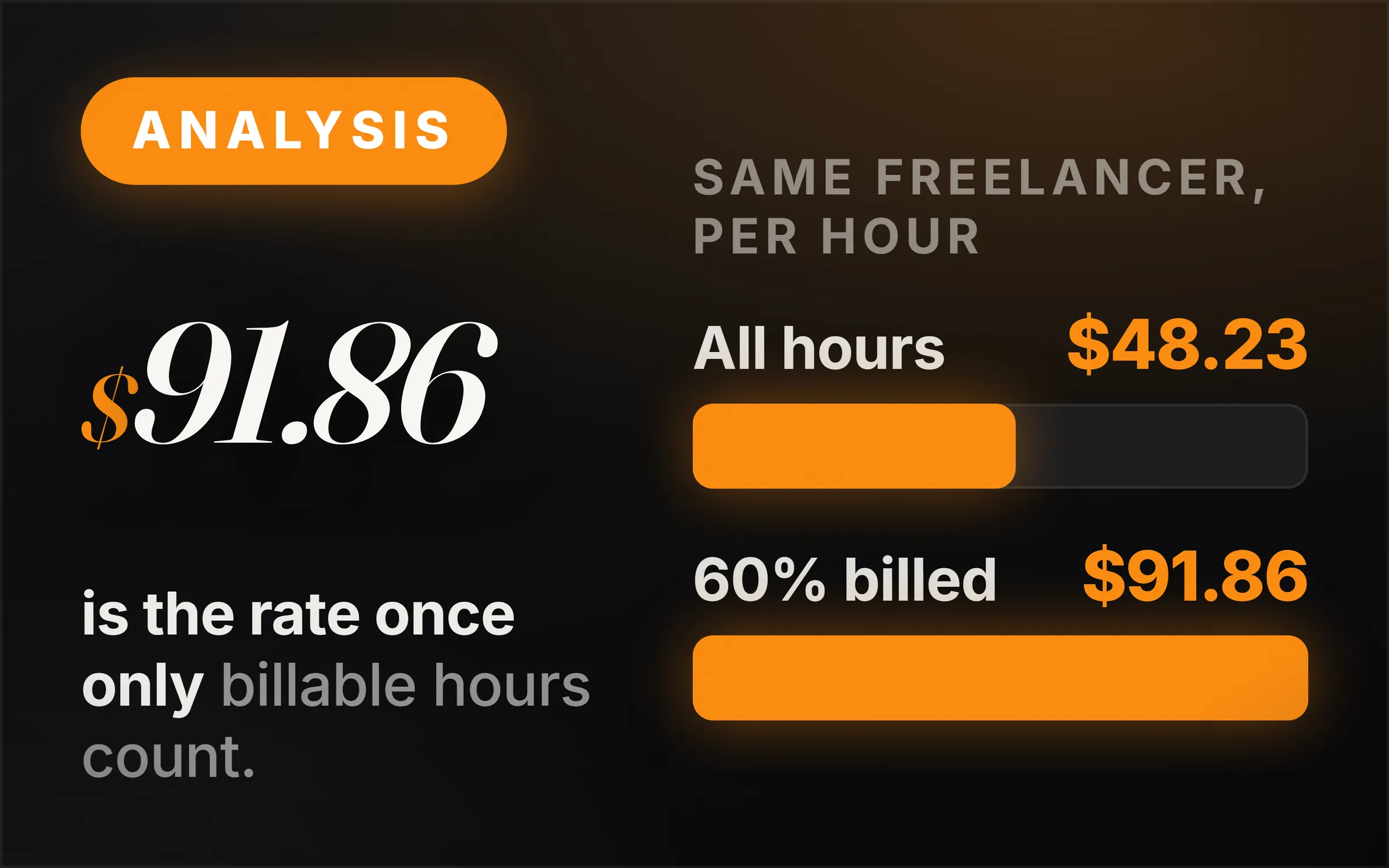
Because of 2 inputs: tax and billable hours. For a freelancer wanting $60,000 take-home, with $450 a month of costs, 28% tax and 6 weeks off, leaving tax out gives $35.54 an hour, counting tax but billing every hour gives $48.23, and billing 60% of a 35-hour week gives $91.86.
| Same freelancer | Hours paid for in a year | Revenue needed | Rate |
|---|---|---|---|
| No tax, every weekday hour billed (Clockify, tax left out) | 1,840 | $65,400 | $35.54 |
| Tax in costs, every weekday hour billed (Clockify, tax put in expenses) | 1,840 | $88,733 | $48.23 |
| Tax grossed up, 60% of 35 hours billed for 46 weeks (CalcPlanet with 21 billable hours a week; ours) | 966 | $88,733 | $91.86 |
Our worked example, run through each tool's published formula. Clockify: 2,080 hours minus 30 days off at 8 hours = 1,840. Tax: $60,000 ÷ 0.72 = $83,333 of profit, plus $5,400 of costs = $88,733. 46 weeks × 35 hours × 60% = 966 hours. The 60% is our tool's default, not a survey figure.
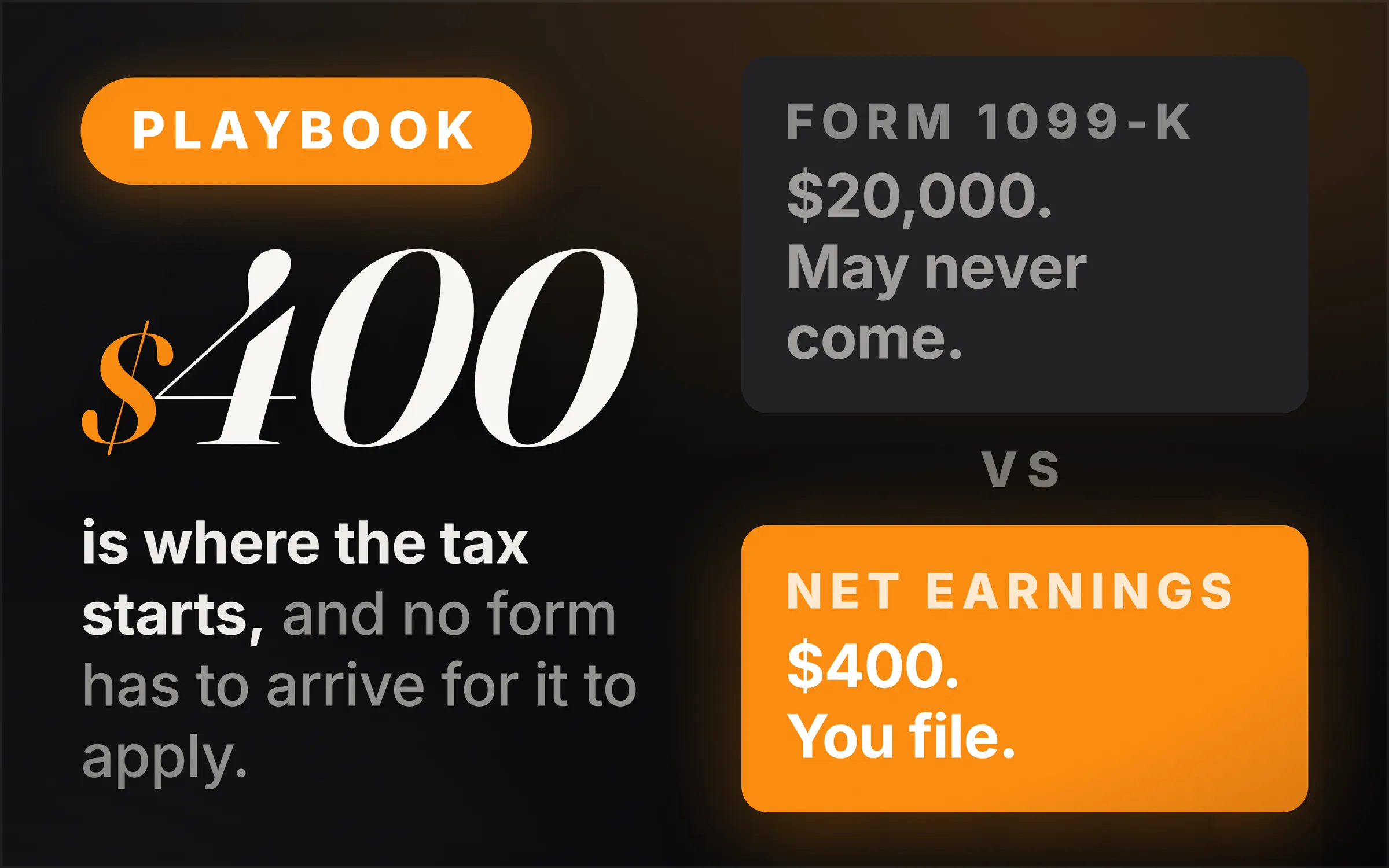
The tax line is the smaller gap. Self-employed people in the US pay self-employment tax on top of income tax. In the IRS's words, "The self-employment tax rate is 15.3%." A calculator that never mentions tax leaves you to remember it.
The billable line is the big one. Nobody is paid for the hours spent finding clients, quoting, invoicing and waiting between jobs. Halve the hours a client pays for and the rate has to double to earn the same, which is the whole difference between $48 and $92 above.
How many hours a year can a freelancer actually bill?
Far fewer than 2,080, the 40-hour, 52-week year. A freelancer working 35 hours a week for 46 weeks works 1,610 hours; if 60% of that is paid work, that is 966 billable hours, under half of 2,080. The 60% is our tool's starting assumption, so change it to your own.
The honest way to find your number is to count it. Track a month of working hours and mark which ones a client paid for. Count the small unpaid jobs too, because they are the easiest to forget: replying to an enquiry, rewriting a quote, chasing an invoice.
Once you have that share, any calculator that asks for billable hours will give you a rate you can rely on. CalcPlanet's wants it as hours per week, ours as a percentage of the hours you work.
Should you quote clients your calculated hourly rate?
Usually not: use it as a floor, not a price. If your floor is $91.86 an hour and a project will take 20 hours, quote at least $1,837 for the project, not 20 hours at $92. A fixed price pays you for getting faster; an hourly price pays you less for the same result once you do.
That is also why the market rate matters as much as the calculator's. A floor tells you what you need. What clients pay for the work is a separate question, and our price pages answer it from published prices: bookkeeping in how much bookkeepers charge, and the same approach for video editing, podcast editing, social media and email marketing.
When the market rate sits below your floor, the fix is rarely a cheaper rate. It is billing more of your hours, cutting a cost, or raising prices, starting with new clients, as laid out in how to raise your rates. With no track record yet, start from pricing with no track record.
The honest hard part
The calculator is the easy part. Every one of these tools does the division correctly. The hard part is being honest in the boxes: the take-home you actually need, the weeks you will really work, and the share of hours somebody will really pay for. A hopeful input gives a comfortable rate that does not pay the bills.
The second hard part is tax. A single tax percentage is a simplification, because what you owe depends on your total income, your country and what you can deduct. Use a set-aside figure that is on the safe side, and check it once a year. How to set it aside as money arrives is in side hustle tax explained.
The third is that we built one of these calculators, so weigh our verdict with that in mind. The other tools are described from their own pages, and the worked example uses their published formulas, so you can check every number yourself.